
Capture the day.
Harvest Green: document utility activity, weather, crews and supporting photos in the day’s report.
Explore daily records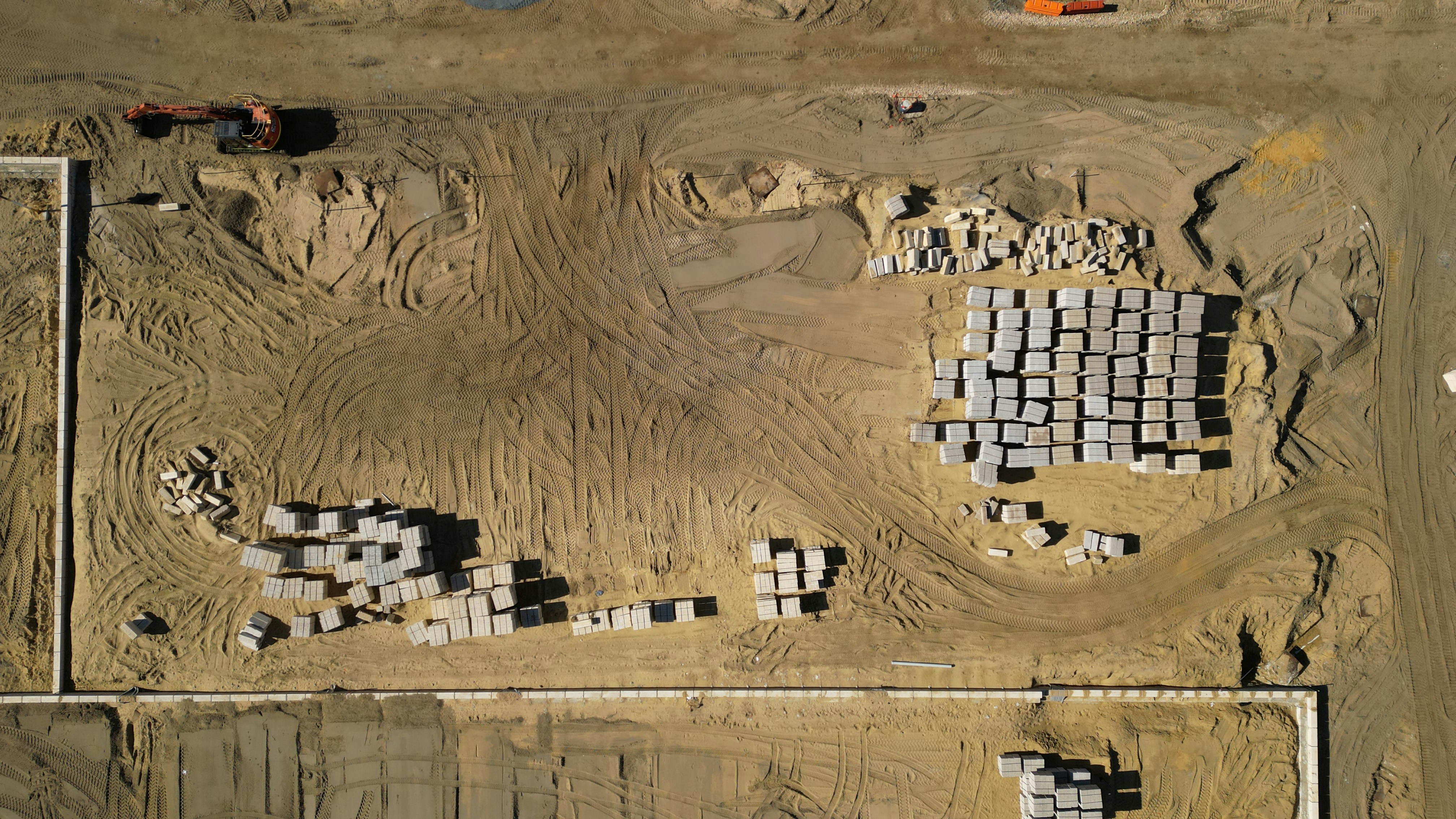
FIELD TO OFFICE. ALL IN CONTEXT.
Keep the work, the people and the proof connected. EagleForge Pro brings your daily reports, photos, documents and project controls into one shared construction workspace.
Payment method required. Your selected annual plan begins after 30 days unless canceled. Plus applicable tax.
BUILT AROUND THE ACTUAL WORK
Site conditions change. Questions need answers. Owners need context. Give your team a place to document what happened, locate the supporting information and see what needs attention next.
Harvest Green: document utility activity, weather, crews and supporting photos in the day’s report.
Explore daily recordsWhite Meadows: assign a field follow-up and its reviewer, then inspect dates, status and the supporting context.
Explore project teamworkPut documents, field photos, project controls and drone outputs beside the work they support.
Explore document reviewHANDS ON WITH EAGLEFORGE
Explore Harvest Green and White Meadows. Switch modules, build a daily report and try the drone, import and export workflows.
Ready to use your own projects? Start your 30-day free trial →
A CLOSER LOOK
Product walkthrough: follow Harvest Green and White Meadows through the current EagleForge workspace, from the daily record to the documents and follow-ups behind it.
Keep a project’s current record in view, with access to daily reports, photos and field follow-ups. Move from a high-level update into the entry that explains it.
Document the day’s activity, weather, crews, equipment and progress. Add supporting photos and flag issues or safety observations so the next update starts with the recorded work.
Invite collaborators from Project setup → Team and choose their project roles. For field items, assign who is doing the work, who approves it and which photos support the record.
Collaborators need an active EagleForge account and license seat. Their project permissions control the work they can access.
Give every project the same starting structure, then add folders for the way your team works. Search the selected folder, open supported files and keep review notes with the document.
Maintain a mission register with dates, work areas, assigned pilots and status. Attach captured imagery and exported deliverables to the project’s output register.
A configured DJI FlightHub 2 connection provides device status. Flight execution and photogrammetry remain in your drone software.
MORE THAN AN ACTIVITY LOG
Keep project controls alongside the field record, so a status update has supporting context.
Explore your project workflow ↗Keep references, responsible people, due dates and current status within the project. Inspect the record and its change history before the next discussion.
Document amounts, notes, assignments and review status. Keep supporting photos and approvals with the record. Payment tracking records work handled outside EagleForge.
Track the entries, dates and follow-ups your team needs to discuss. Use filters and assignment context to focus the register on the relevant work.
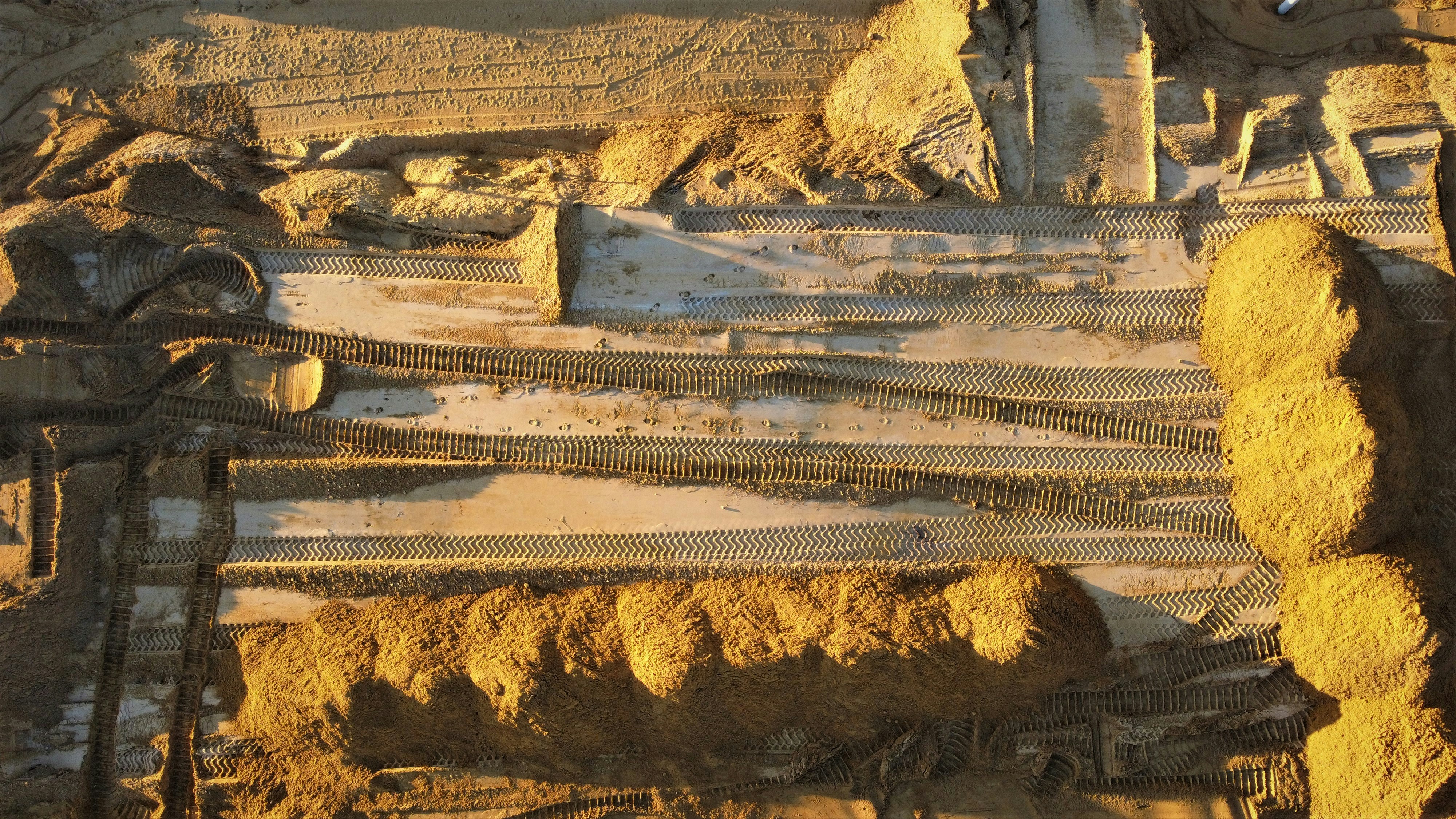 A wider view. A more useful project conversation.
FROM GROUND LEVEL TO THE BIG PICTURE
A photograph is more useful when your team knows where it belongs. Organize field imagery and drone documentation around the project, the date and the work being discussed.
Add a photo and note to the project’s record. Revisit the relevant day instead of relying on an unlabeled image in a message thread.
Keep mission purpose, work-area references and delivered files together for review. Bring the relevant output into the next owner update.
DIFFERENT ROLES. SHARED CONTEXT.
Connect the people involved in the project while keeping each person’s access tied to their role.
Document the work summary, add photo context and flag the observations that need discussion. See assigned work and open the relevant project record.
Review field activity, find the relevant document and follow up on the items needing attention. Keep project controls and approval context close to the discussion.
Use the project information your assigned role permits. Owner Viewer and Read Only roles support viewing access, while review responsibilities are assigned to the appropriate people.
Invite company users, assign available license seats and choose project roles. Use the billing portal to manage the subscription, cancellation and payment details.
Organize work-area references, mission details and delivered files in Drone Hub. Access to drone tools is controlled by permissions.
START WITH ONE PROJECT
Set up the company, bring in the team and build a useful record around actual work.
Choose an annual plan, verify your work email and add payment details in Stripe. Confirmed trials activate the selected plan’s seats.
Create the project record, use the standard document folders and invite the appropriate team members with project roles.
Add reports and photos, assign field items and reviewers, and bring current records into the next project discussion.
ACCESS WITH PURPOSE
Account licenses and project permissions do different jobs. Manage both with clear responsibilities.
Read the access & billing FAQs ↗Purchased seats provide user access. Company administrators assign available licenses through Billing & licenses.
Invite project members and choose roles for their responsibilities. Access is checked on the server as well as in the interface.
Use your EagleForge email and password in the browser and Windows app. No ChatGPT account is required.
Enter payment information in Stripe. Manage billing, payment updates, invoices and cancellation through the billing portal.
ANNUAL COMPANY PLANS
All self-service plans include field work, project controls, drone tools and administration. Choose by company seat allowance.
5 company user seats
$5,969USD / year after trial
15 company user seats
$12,969USD / year after trial
35 company user seats
$24,969USD / year after trial
50+ company user seats
Contact usLet’s discuss your seat requirements.
Payment method required. One 30-day trial per company. Your selected annual amount, plus applicable tax, is charged after the trial and renews each year until canceled. Cancel through Billing & licenses before the trial ends to avoid the first charge. Trial reminder emails, payment receipts and failed-payment notices help keep billing visible.
Monthly plans are available in company billing without a free trial. Annual totals are higher than twelve monthly payments. Enterprise terms are arranged by quote.
YOUR EXPERIENCE MATTERS
Choose software by how it fits the work. Explore the product screens, ask questions and walk through an example project with us.
Book a product walkthrough ↗Choose an annual plan, verify your work email, create your EagleForge login and add a payment method through Stripe. When checkout confirms the trial, the selected plan’s seats become available. The annual amount plus applicable tax is billed after 30 days unless you cancel. One trial is available per company.
Yes. Open Billing & licenses in the app and use Manage billing to cancel before the trial ends. The portal also manages payment details and invoices. Annual subscriptions renew each year until canceled.
The company administrator receives a seat when the confirmed trial begins and can assign the remaining available seats through Billing & licenses. A license provides account access; the project role determines what the person can do within a project.
Yes. Use Project setup → Team to invite people and assign project roles. Collaborators from another company need an active EagleForge account and license seat. Their access is limited to the project permissions granted to them.
Every project starts with Contracts, Specifications, Plans, Lab Reports, Pay Estimates, Change Orders and Closeout folders. Add custom folders, search the selected folder and review supported documents. PDF and image review includes markup, comments, review status and notes; other formats can be retained as project files.
No. Customers use an EagleForge email and password at app.eagleforgepro.com. A ChatGPT login is not required.
Yes. Sign in to the EagleForge web app to access the Windows desktop download. Your account and permitted project records connect to the same EagleForge service.
Drone Hub organizes mission records, work-area references and uploaded outputs. A configured DJI FlightHub 2 connection provides device status. Flight execution, photogrammetry and the creation of maps or models remain in your drone software; EagleForge organizes the resulting documentation.
Contact us about the 50+ seat Enterprise option. We’ll discuss your company’s seat requirements and provide a custom annual quote.
Yes. Request a guided product walkthrough with our example project. No files or preparation are needed. Tell us which parts of the workflow matter most to your team.
LET’S LOOK AT YOUR WORKFLOW
See how the field record, supporting documents and follow-ups come together. Tell us a little about your team and what you want to explore.
Ready to get started? Start your 30-day annual trial →